Jamf, set up and run by people who do only this.
Jamf is the platform that runs Apple at scale. Onsite configures, secures and supports it for the way your business actually works.

The platform built only for Apple.
Jamf is the most complete management and security platform made exclusively for Apple. Enterprise-secure and consumer-simple: the control IT needs, with the experience your team already loves.
Cross-platform tools treat Apple as one more endpoint. Jamf treats Apple as Apple, which is why it supports new versions of macOS, iOS and iPadOS the day Apple releases them, and reaches Apple-native controls that generic tools cannot. For more than 20 years, over 70,000 organisations worldwide have run their Apple estates on it.
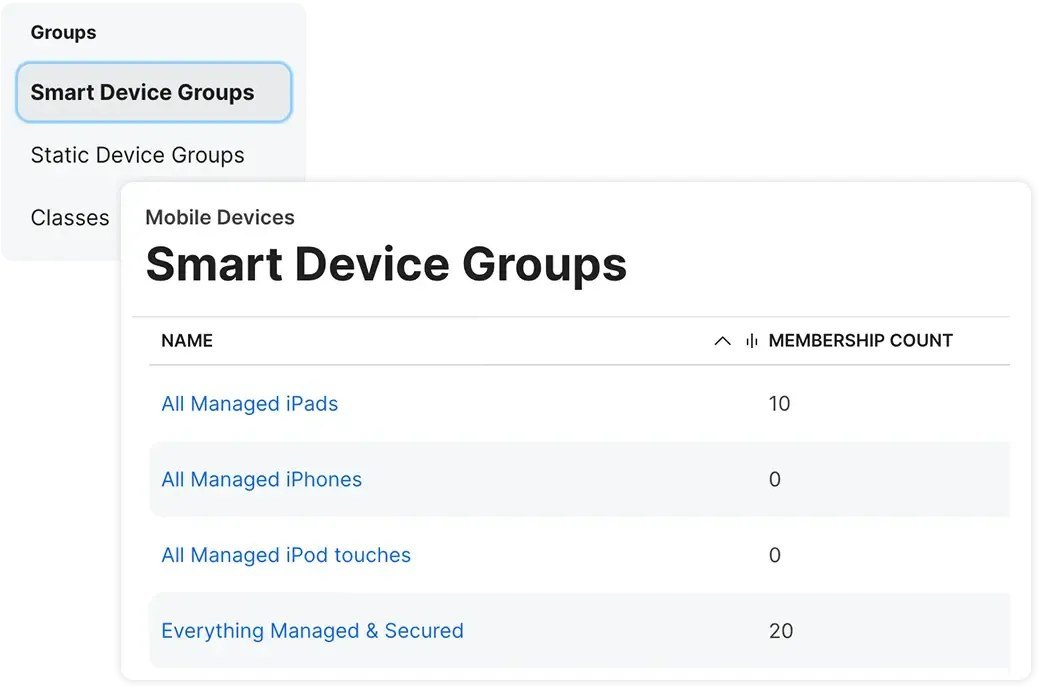
Depth the platform actually deserves.
Apple-first, day one
Same-day support for new macOS, iOS and iPadOS, so updates never wait on your management tool.
Depth, not breadth
Every Apple-native control: zero-touch, FileVault, Self Service, PreStage and compliance.
Security made for Apple
Jamf Protect and the MI:RIAM engine watch macOS and iOS specifically, not through a Windows lens.
Built to scale
Smart Groups, automation and open APIs keep thousands of devices consistent.
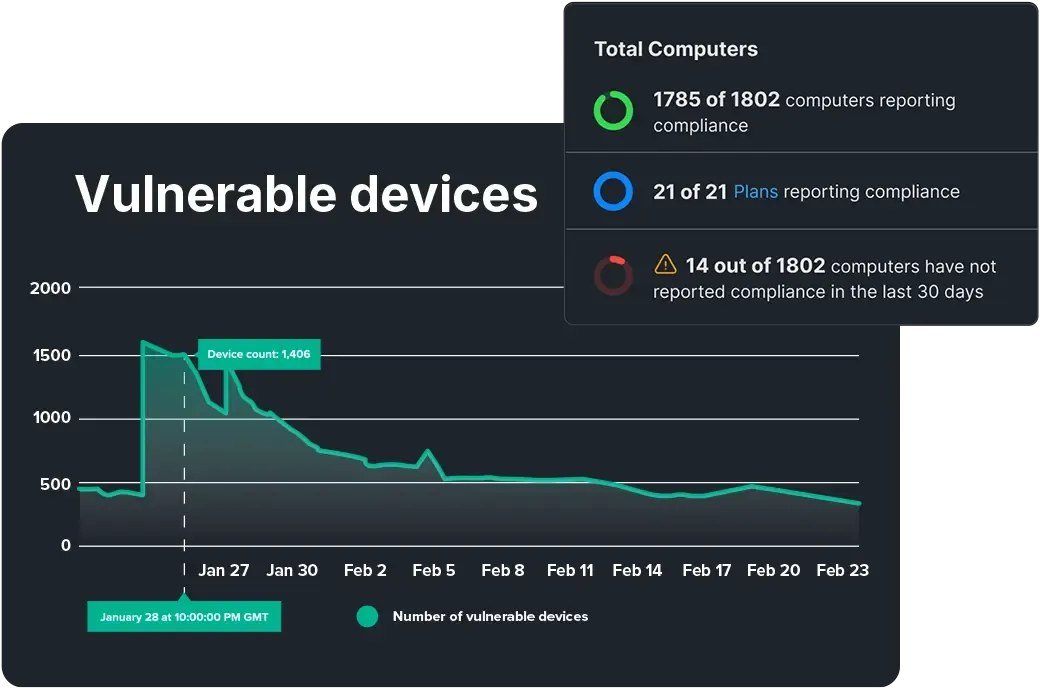
What Jamf customers see.
You will recognise at least one of these.
Each layer does one job.

Four clusters, not a wall of settings.
Enrolment
- Apple Business
- Automated Device Enrolment
- PreStage & MDM assignment
Management
- Apps, policies, patching
- FileVault
- Self Service catalogue
Security
- Jamf Protect & compliance
- Local admin control
- Lock, wipe, offboarding
Operations
- Reporting & admin training
- Support & change control
- Ongoing optimisation
Three ways to engage.
Set up
For internal IT teams that want Jamf built properly from the start.
Co-managed
Apple depth and Jamf expertise working alongside your IT team.
Fully managed
Onsite operates Jamf, policies, patching, reporting and support.
A clean path from review to run.
Review
We look at your current Apple estate and what it needs to do.
Design
We design the Jamf architecture around your size, risk and identity.
Configure
We build enrolment, management, security and Self Service.
Pilot
We prove it on a small group before anyone else is affected.
Run
We hand over, co-manage or run it for you.
Jamf, answered.
What is Jamf?
What does Jamf Pro do?
Do we need Jamf if we use Intune?
Can Onsite fix an existing Jamf environment?
Can Onsite manage Jamf for us?
What is the difference between Jamf Pro, Protect, Connect and Trust?
Can Onsite support Jamf across Africa?
Need Jamf set up, fixed or managed?
Book a review. We’ll look at your current Apple estate and show you the practical next step.